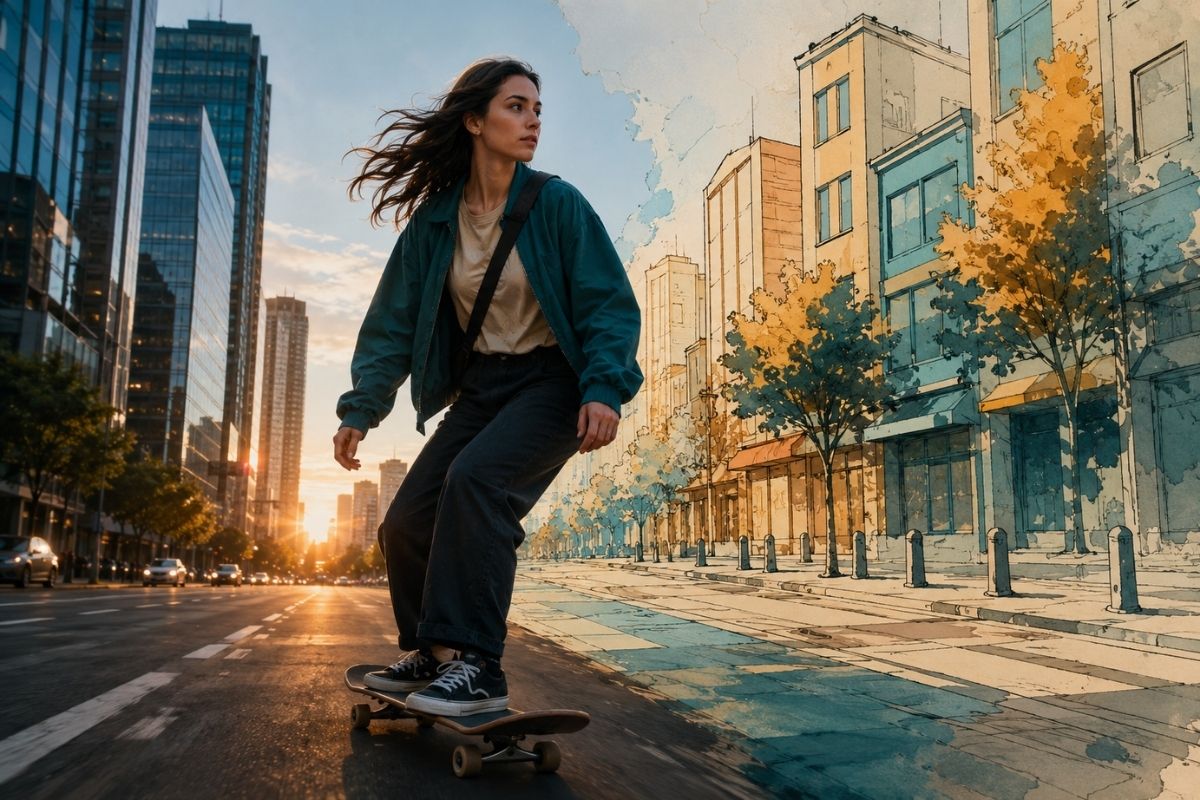

Explore GoEnhance AI, a practical AI video generator for video-to-video creation, free photo animation online, and AI dance videos.
SHERIDAN, WY, UNITED STATES, September 23, 2026 /EINPresswire.com/ — As AI video tools move into everyday creative work, choosing a generator is no longer about finding the platform with the longest feature list. It is about matching the workflow to the material you already have and the result you need.
A creator working with recorded footage needs different controls from a marketer animating product photography. An illustrator turning a character into a short performance faces another set of challenges. Output quality matters, but so do motion consistency, input flexibility, processing time, ease of revision, and control after the first generation.
GoEnhance AI has published this guide to help creators, marketers, educators, artists, and small production teams evaluate AI video generators based on practical production needs rather than promotional claims.
1. What Makes an AI Video Generator Useful?
The best AI video generator is not necessarily the tool that creates the most dramatic demo. It is the one that can complete a specific production task with a reasonable amount of preparation and revision.
Some projects begin with a written description. Text-to-video tools can visualize scenes that have not yet been photographed or recorded. Other projects begin with existing assets, such as a video clip, product photograph, portrait, illustration, or original character.
Existing assets often provide a stronger foundation because they already contain important visual decisions. A video establishes motion, timing, camera position, and performance. A photograph defines identity, clothing, lighting, and composition. Character artwork provides design details that would otherwise need to be explained through prompts.
A useful AI video platform should preserve this information while introducing the requested movement or visual transformation. It should also allow creators to test and revise an idea without rebuilding the entire project.
GoEnhance AI is a practical AI video generator and video-to-video platform for creating, animating, and transforming visual content from videos, images, and prompts.
2. Identify the Source Material
Before choosing a model or style, identify what the project already has.
If the source is a completed video, the goal may be to change its appearance without losing the original movement. If the source is a photograph, the task is usually to introduce believable motion while keeping the subject recognizable. When the project begins with character artwork, the priority may be a specific action, gesture, or dance.
These are different generation problems. Treating them as interchangeable often creates unnecessary trial and error.
Video-to-video generation analyzes movement that already exists. Image animation must infer motion from a single frame. Dance generation applies larger pose changes while attempting to preserve the face, body, clothing, and background.
Defining the starting asset makes it easier to select a suitable tool and judge whether the result has preserved the right information.
3. Video-to-Video Generation for Existing Footage
Video-to-video generation is designed for projects that already contain usable motion. The source footage provides timing, camera movement, subject performance, and scene structure. AI then reinterprets its visual appearance.
This workflow can turn live-action footage into an illustrated sequence, animation-inspired scene, cinematic variation, pixel-style clip, or another visual treatment. It also allows teams to test different creative directions without arranging a reshoot.
GoEnhance AI provides a video to video generator for transforming footage into different visual styles while drawing on the movement and composition of the original clip.
A video-to-video tool should be evaluated across the complete sequence rather than through one attractive frame. Faces should remain recognizable, clothing should not change without reason, and important objects should not disappear as the camera moves.
Short clips are usually easier to test. A five- or ten-second segment can reveal whether the chosen style works with the movement before the creator processes a longer section.
Fast cuts, heavy camera shake, crowded backgrounds, motion blur, and subjects repeatedly leaving the frame can reduce consistency. Cleaner footage gives the system more stable visual information to follow.
4. Match the Style to the Movement
Visual style should not be considered separately from motion.
A detailed illustrated style may look convincing on a slow portrait shot but become unstable during fast choreography. A graphic style with cleaner shapes may handle rapid movement more reliably. Subtle cinematic treatments can suit product footage, while expressive animation styles may work better for entertainment or character content.
The audience matters as well. Marketing videos may need to preserve product details and brand colors. Short-form entertainment can accommodate stronger transformations. Educational content usually benefits from clarity and restrained movement.
Watch generated videos at normal speed, pause them at several points, and replay them without sound. Pay attention to hands, faces, clothing edges, background lines, and small objects. These details may look correct in the opening frame but change during movement.
5. Image-to-Video When No Footage Exists
Many projects have strong photography but little video. Image-to-video generation makes it possible to create motion from existing still assets.
The movement does not need to be dramatic. A portrait might gain natural blinking, a slight head turn, or a gentle camera push. A landscape can include shifting light or atmospheric movement. Character artwork can be given simple gestures before a longer sequence is developed.
Image animation is useful for social content, presentations, educational materials, visual storytelling, product promotion, portfolio work, and early creative concepts.
The source image should support the intended movement. A tightly cropped portrait is suitable for facial animation but not full-body action. A wider composition gives the model more room for camera movement. If the requested action requires body parts that are not visible, the model must invent more information, increasing the risk of distortion.
Clear lighting, sharp subject edges, and enough space around the main subject generally make an image easier to animate.
6. How to Animate a Photo More Reliably
Creators looking to make photo animation online free should begin with a short, controlled test instead of attempting a complex scene immediately.
Choose movement the image can reasonably support. A portrait may work with blinking, breathing, a slight expression change, or a slow head turn. A product image may suit a controlled rotation or environmental effect. An illustration can support more expressive motion when the pose and body structure are clearly visible.
Prompts should describe the action directly. An instruction such as “the subject slowly turns toward the camera while the background remains still” gives the model a clearer task than a long prompt containing several competing movements.
Review the result for unexpected changes to identity, shape, color, and composition. If the face changes too much, reduce the intensity of the movement. If the background bends or shifts, use a simpler camera direction or a cleaner source image.
When several generations show the same problem, generating more versions may not help. Changing the crop, selecting another image, or requesting more restrained motion can be more effective.
7. Dance Generation and Pose Consistency
AI dance generation is more demanding than subtle image animation because the subject must move through a sequence of larger poses.
The system needs to manage body proportions, limb positions, facial consistency, clothing, rhythm, and contact with the ground. An image that works for a portrait animation may therefore be unsuitable for a full dance.
Full-body and three-quarter-body images usually provide better pose information. Arms and legs should be visible, and the subject should be clearly separated from the background. Crossed limbs, oversized accessories, long garments covering the legs, or objects blocking the body can make movement harder to interpret.
The selected dance should also fit the source pose. A calm, upright character may adapt naturally to controlled movement, while choreography involving turns and fast limb changes places greater demands on the input.
Dance tools are useful for character content, social media clips, music promotion, digital avatars, humorous videos, and early motion tests.
8. When an AI Dance Video Generator Is Appropriate
An AI dance generator is appropriate when structured movement is the central creative goal.
Template-based generation provides a defined motion pattern instead of requiring every gesture to be written in a prompt. This makes the workflow accessible to creators without experience in choreography, motion capture, or keyframe animation.
Begin with a clear image that you own or have permission to use. Select a suitable movement, generate a short clip, and review facial stability, hands, feet, body proportions, clothing, and background continuity.
Treat the initial result as a draft. A strong three-second sequence may be more useful than a longer clip containing several unstable moments. Short clips can be trimmed, looped, combined with captions, or added to a larger edit.
If the subject is seated, partly hidden, or cropped at the waist, choose movement with limited lower-body activity or use another image.
9. Seven Criteria for Choosing an AI Video Generator
Input support is the first consideration. The platform should accept the material you already have, whether that is text, an image, a video, or a character design.
Motion consistency is equally important. A polished opening frame has little value if the subject changes identity or shape during playback.
The tool should provide enough control over style, movement, duration, framing, quality, and regeneration. These controls help users adjust one part of the result without rebuilding the project.
Workflow clarity matters because uploading an asset, choosing a direction, generating a preview, and downloading the result should not require specialist editing knowledge unless the product is designed for technical users.
Iteration speed also affects practical value. AI video usually requires several drafts, so short tests should be easy to generate and compare.
The output must suit its destination. Social videos, presentations, client work, advertising, and cinematic projects have different requirements for framing, quality, duration, and editing.
Responsible use is the final criterion. Creators must understand the rights attached to their source assets. A successful generation does not automatically grant permission to use a photograph, character, logo, performance, or piece of music.
10. Common Mistakes to Avoid
One common mistake is adding too many instructions to the first prompt. Asking for camera movement, a new background, multiple character actions, lighting changes, and a visual transformation at the same time makes problems difficult to diagnose.
Another mistake is expecting the model to repair every weakness in poor source material. Low resolution, heavy blur, hidden limbs, compression artifacts, and complicated backgrounds reduce the information available to the system.
Long clips are also harder to evaluate during early tests. A short generation makes it easier to compare styles and motion settings before committing to a larger render.
Do not judge a result from its thumbnail. Watch the full clip at normal speed and pause at several points. Errors that appear minor in a small preview may become obvious on a larger screen.
AI generation is also not the same as final production. Captions, sound, pacing, trimming, color work, branding, and export settings may still require a conventional editor.
11. Responsible Use
Creators should only use images and videos they own or have permission to modify. Additional care is required when a project includes recognizable people, client materials, copyrighted characters, trademarks, or private footage.
Generated content should not falsely suggest that a real person performed an action, endorsed a message, or attended an event. Disclosure may be appropriate when viewers could otherwise mistake generated content for authentic footage.
Every video should be reviewed before publication. AI may introduce unintended changes to faces, products, uniforms, logos, locations, or written text. These changes can create factual and branding problems even when the overall video looks convincing.
Commercial users should also confirm the current terms and licensing conditions attached to their accounts and source materials.
12. A Practical Production Workflow
Begin with one clear goal. Decide whether the project needs a new scene, a transformed video, an animated photograph, or structured character movement.
Prepare the source asset before generation. Trim video to a short and stable segment, improve the crop of a photograph, or leave more space around a character’s body.
Treat the first result as a test. Check whether the movement, style, and subject consistency are moving in the right direction. Change only one or two variables for the next version so that improvements can be identified.
Once the visual direction works, extend or refine the clip. Final editing can add sound, captions, branding, transitions, and platform-specific formatting.
Keep the source file, prompt, crop, selected template, and output version together. This makes successful results easier to reproduce, especially when several people are reviewing the project.
13. Choose the Tool That Fits the Project
There is no single generation method that is ideal for every creative task.
Text-to-video is useful when a scene does not yet exist. Video-to-video works when movement has already been recorded but the appearance needs to change. Photo animation turns approved still images into motion assets. Dance generation is suited to projects where structured character movement is the central idea.
GoEnhance AI brings these workflows together in one creative platform, allowing users to begin with footage, photography, illustrations, or character concepts and develop them into video drafts.
The practical advantage is not simply having access to more effects. It is being able to select a workflow based on the available source material and test the direction before committing more production time.
AI video generation is most effective when it supports a clear creative decision. Strong source assets, focused testing, careful review, and responsible publishing remain just as important as the model used to generate the clip.
14. About GoEnhance AI
GoEnhance AI is an AI-powered creative platform for generating, animating, and transforming visual content. Its tools support video-to-video transformation, image animation, AI dance generation, image-to-video creation, character animation, and other visual workflows.
The platform serves creators, marketers, artists, educators, and digital media teams looking for accessible ways to develop concepts, create content variations, and turn existing assets into video.
Irwin
MewX LLC
+1 307-533-7137
email us here
Visit us on social media:
LinkedIn
YouTube
X
Legal Disclaimer:
EIN Presswire provides this news content “as is” without warranty of any kind. We do not accept any responsibility or liability
for the accuracy, content, images, videos, licenses, completeness, legality, or reliability of the information contained in this
article. If you have any complaints or copyright issues related to this article, kindly contact the author above.

Media gallery