

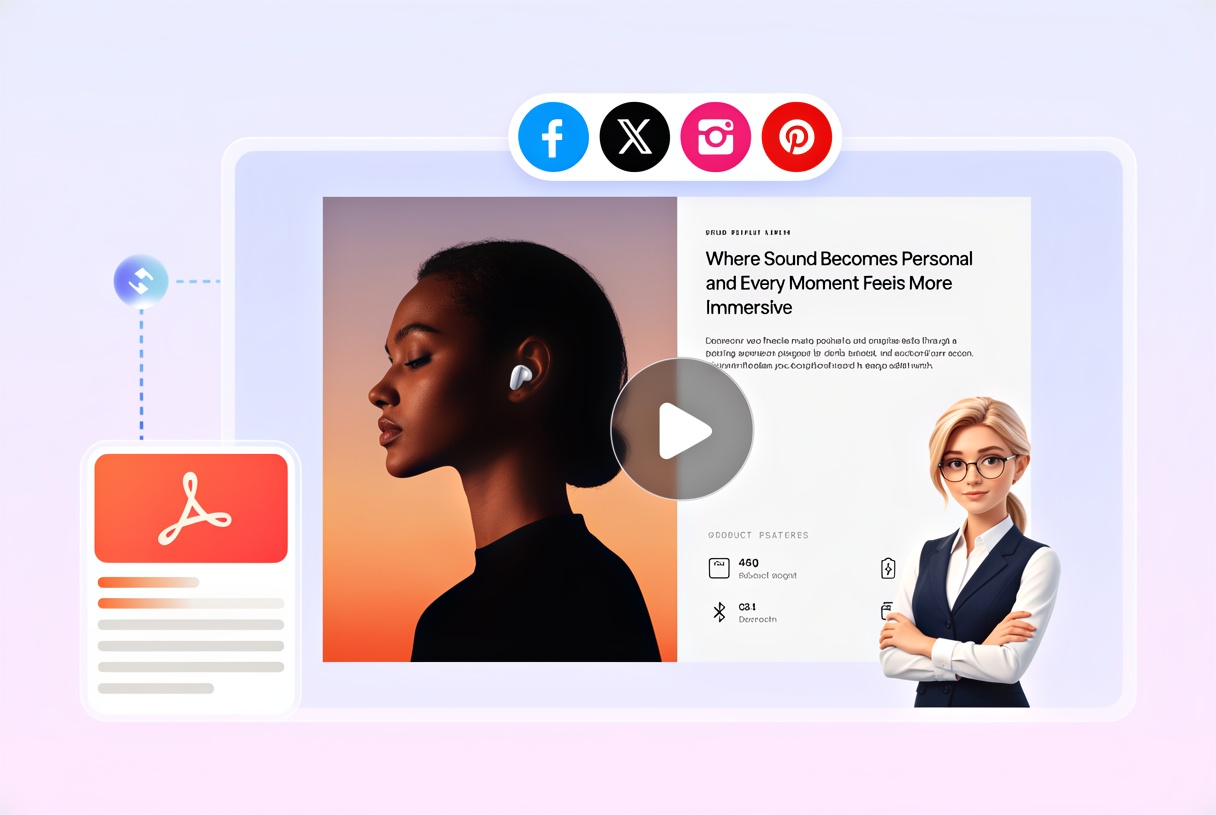
Hong Kong, Hong Kong S.A.R. Nov 17, 2026 (Issuewire.com) Most long documents have a short story inside them. An annual report may run past a hundred pages, yet the figures a board member or customer will remember fit on a handful of spreads. Recastia builds its PDF to video feature around that gap, letting a team upload a lengthy file and convert some of the pages that carry the message into a narrated, captioned clip. The rest of the document stays where it is, and the video becomes its highlight reel.
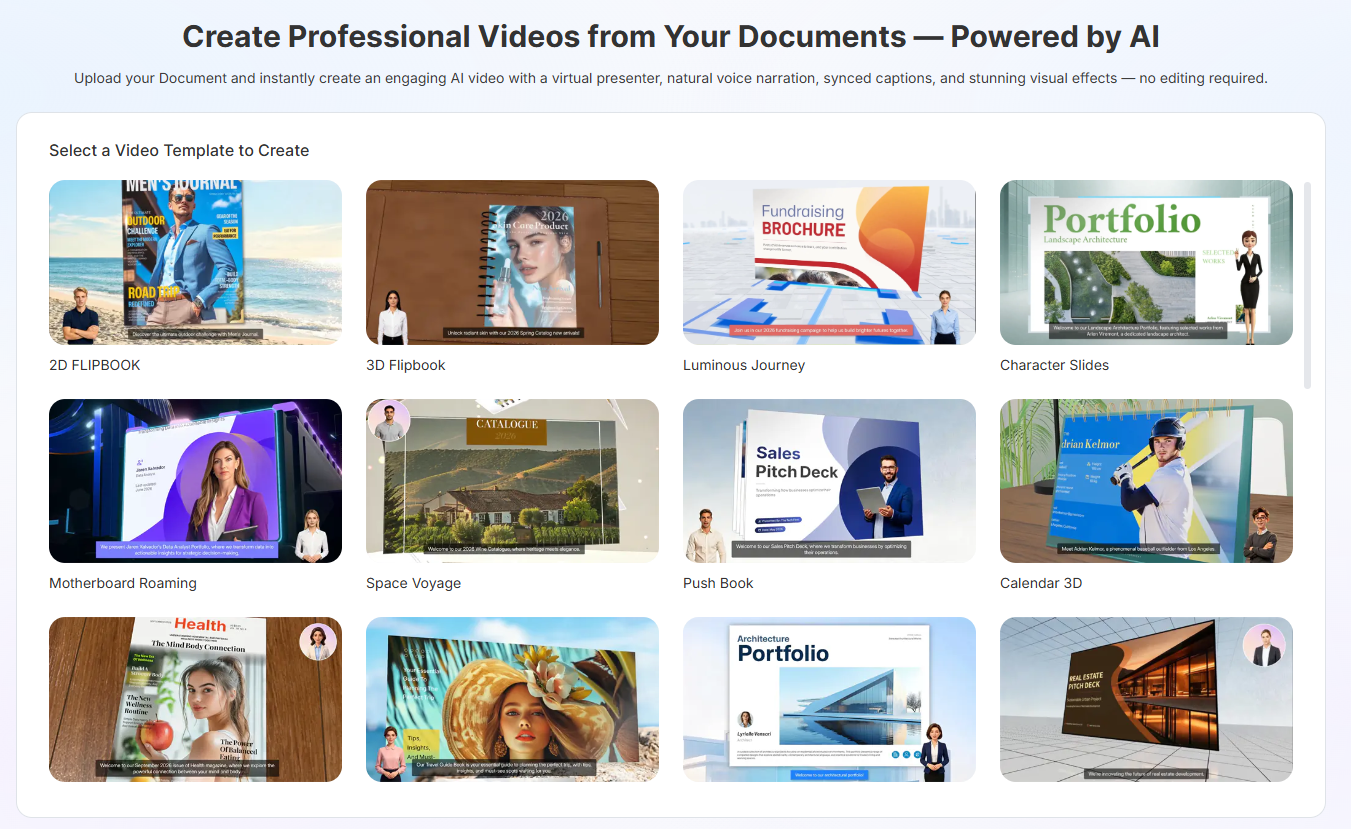
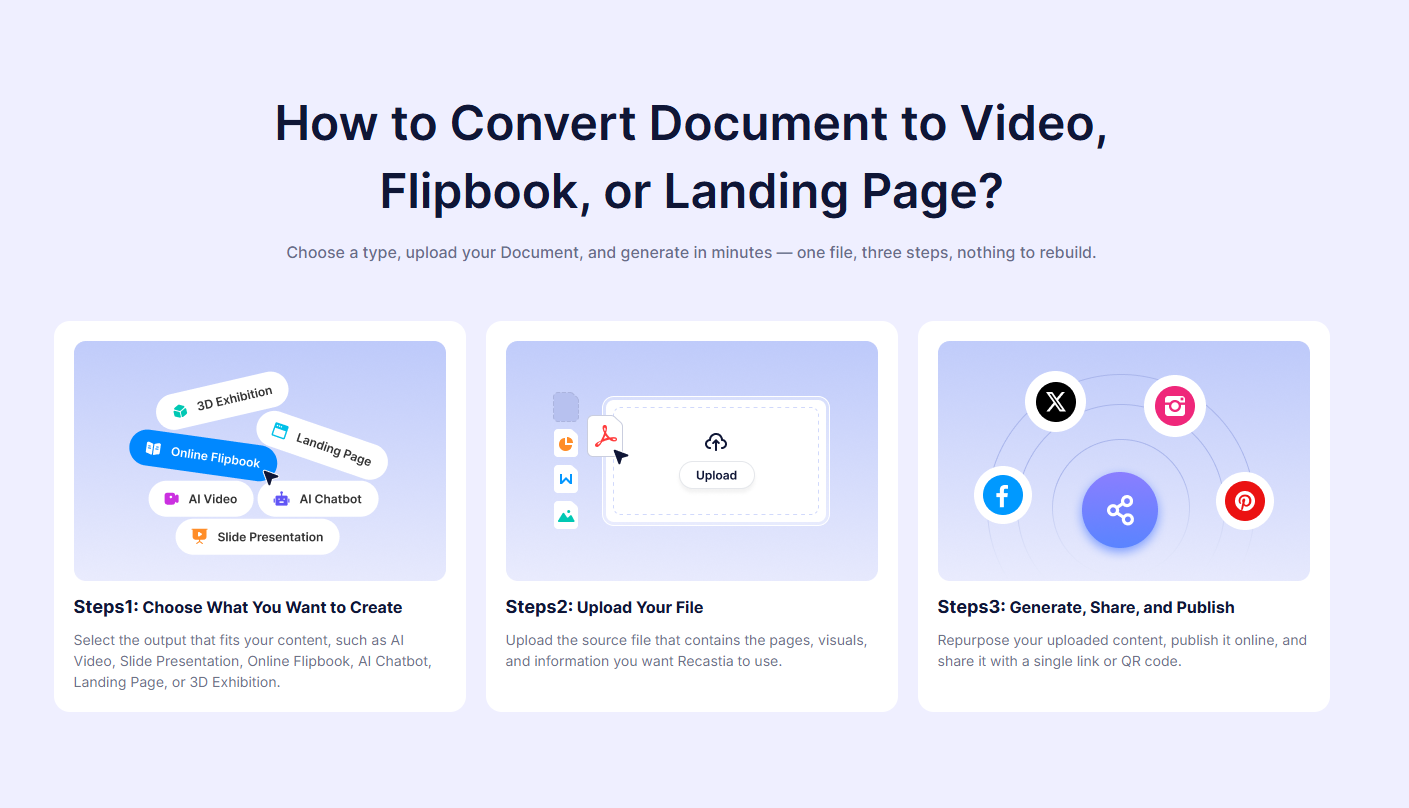
Page selection sits at the center of the workflow. After picking a video template, a user uploads a PDF, PowerPoint, or Word file under 100MB, or at least three images, chooses a generation mode, and then ticks only the pages worth including, leaving everything else out of the clip. A thick product manual can become a clip about one installation step, and a research summary can become a clip built around its three key charts. Converting a PDF to video this way is an editorial decision first and a production task second.
Once the pages are chosen, each one gets its own narration field. A team can type the script directly or let AI Copywriting draft it from the page content, which helps when a dense page needs to be distilled into two spoken sentences. A subtitle toggle decides whether captions appear, and a preview is generated before the final render, so the shortened PDF to video version can be checked against the source before anyone shares it.
Presentation choices then shape how the condensed clip feels. Video Settings offer a 16:9 or 9:16 ratio, 45 video templates such as Tangerine Cube, Outdoor Billboard, and Horizontal Page Slide, dozens of AI voices with tone labels, hundreds of realistic and cartoon avatars, and nearly 100 background music tracks. Each choice appears on a live preview canvas as it is made, so a team can check how the condensed clip looks and swap an effect, voice, or avatar before turning the selection from PDF to video.
A highlight clip is more useful when the full source is close at hand. The same document can be published as a PDF to flipbook edition that keeps its original layout and turns page by page in the browser, giving viewers who finish the video a place to read every detail. The clip and the flipbook each receive their own shareable link and QR code, so a team can send the PDF to video highlight first and the complete publication right alongside it.
“Nobody wants to watch a hundred-page report read aloud, and nobody should have to,” said Winston Zhang, CEO of Recastia. “PDF to video works when a team chooses the pages that matter, and we built the feature to make that choice quick and the result easy to share.”
To learn more about how to convert PDF to video, please visit Recastia.
About Recastia
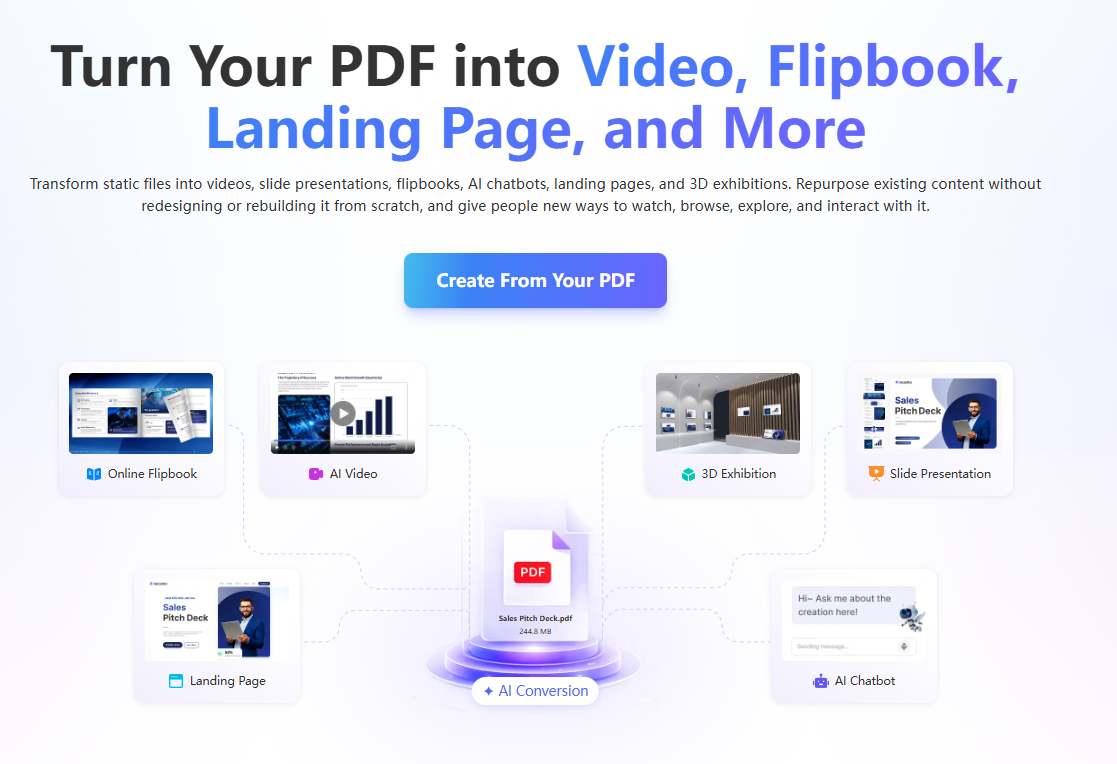
Recastia Co., Ltd. develops Recastia for teams that own long, finished documents and need shorter ways to share them. The AI platform generates videos, flipbooks, slide presentations, landing pages, podcasts, chatbots, and 3D exhibitions from a single uploaded file and hosts each result at a shareable link.
Media Contact
Recastia Software Co., Ltd.
02061972665
Flat/Rm D3, 11/F, Luk Hop Industrial Building, No.8 Luk Hop Street, San Po Kong, Kowloon, Hong Kong
Source :Recastia Software Co., Ltd.
This article was originally published by IssueWire. Read the original article here.